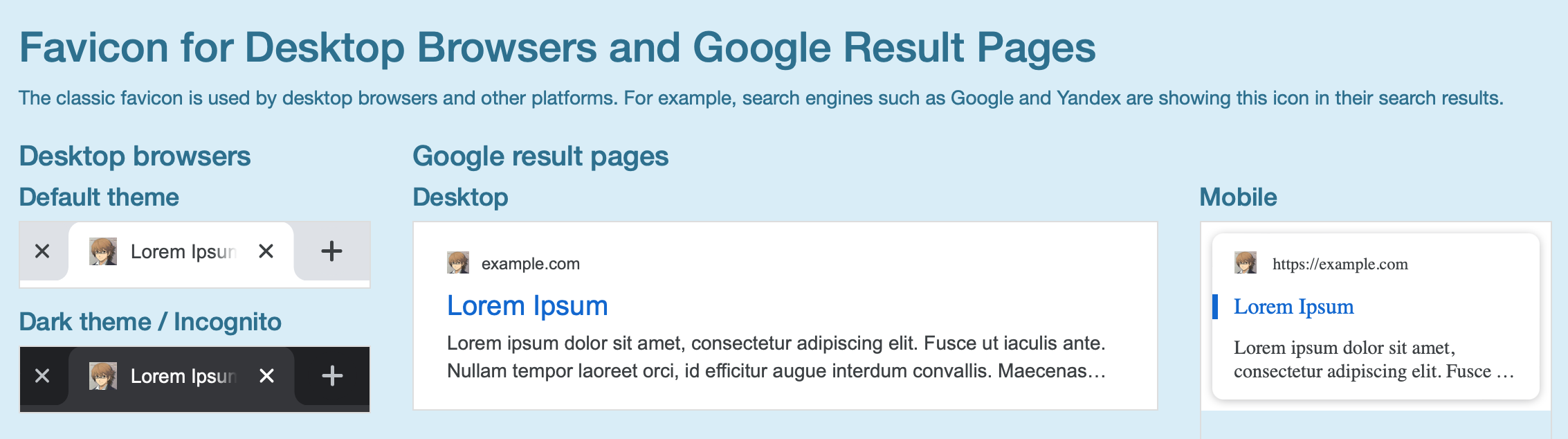
When using Hugo to generate a static site, we often run into small problems that are not fatal but still annoying. One example is not having a custom site icon. If we simply follow the default configuration of a theme, the generated site usually has no icon, or it uses the theme’s built-in icon. That obviously cannot satisfy my strong DIY impulse.
Readers who visit this blog often may have noticed that the Hugo theme I use is a third-party theme that supports automatic switching between light and dark mode: AutoFuji . While reading its documentation today, I discovered that it supports Favicon code. After a few simple steps, my blog finally had its own icon.
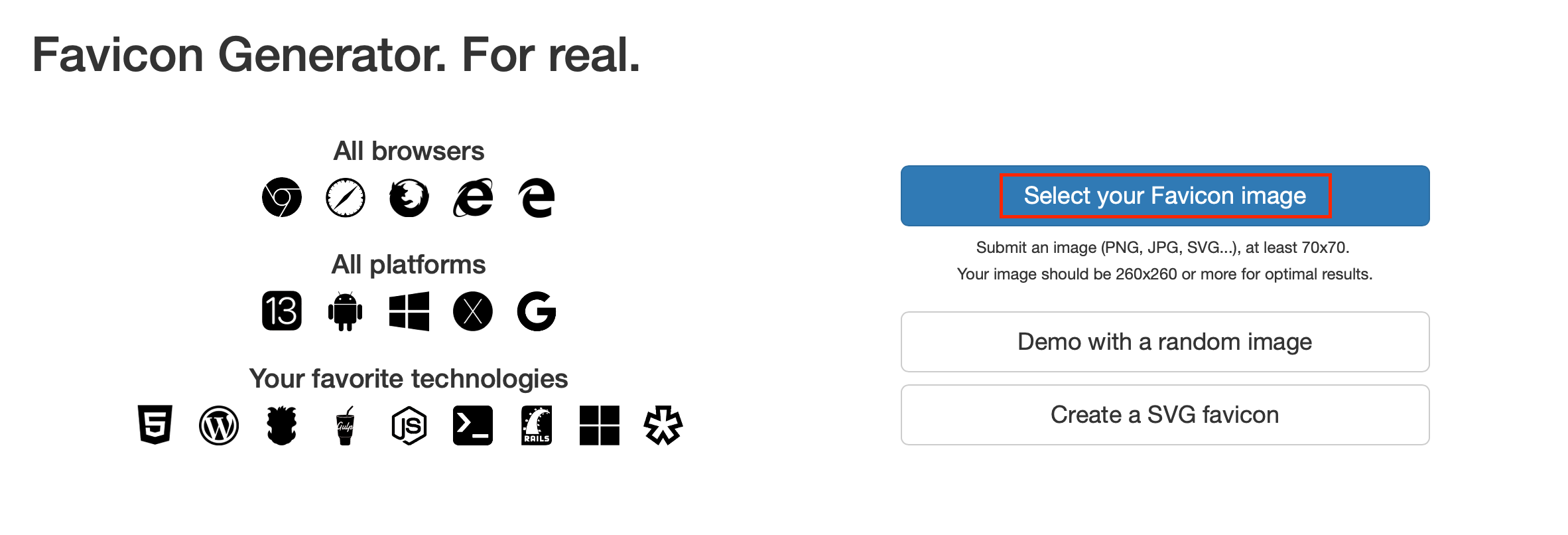
Adding Favicon code to a Hugo site is very simple. First, visit this website and upload an image as the source for your site icon. There are many similar favicon generators, and you can choose whichever you prefer. Their basic functions are more or less the same.
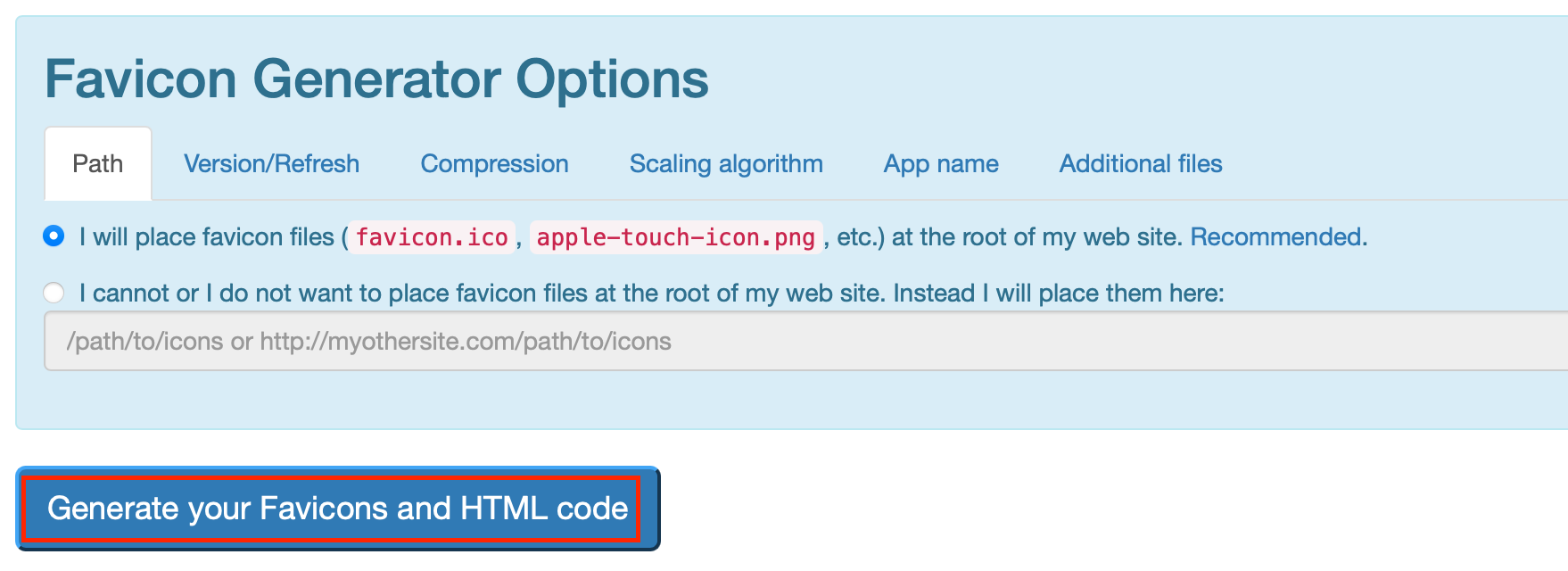
After the image is uploaded, the site will automatically move to a configuration page. If you do not have special requirements, the default settings are fine. Click the generate button at the bottom of the page to generate the icons and code.
After generation, click the button shown in the screenshot to download the icon package in different formats, and copy the automatically generated HTML code to your clipboard.
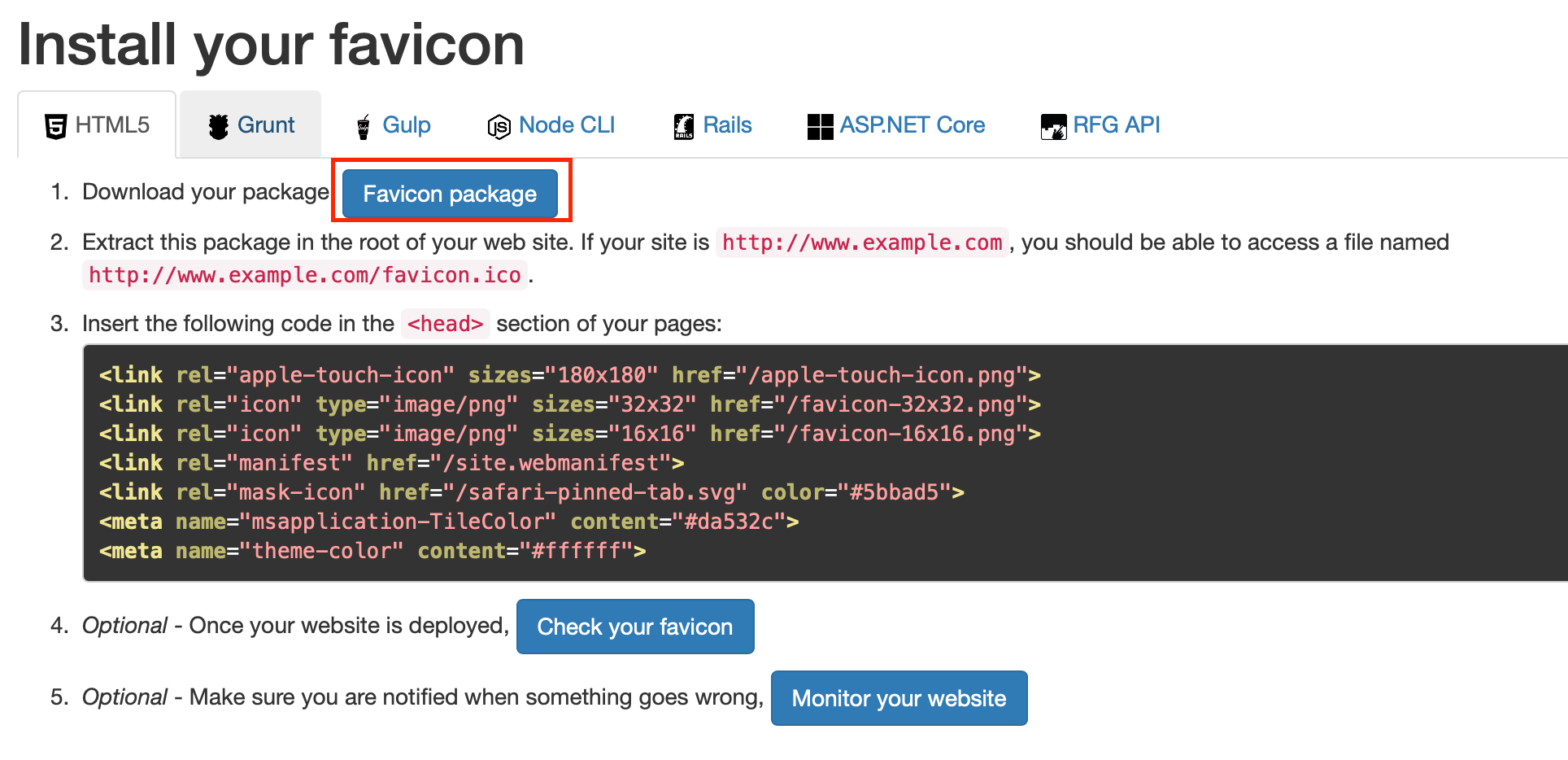
Next, go to the root directory of your Hugo site and extract all files from the downloaded archive into the /static/ folder.
Open /layouts/partials/favicon.html with a text editor, clear the original code, paste in the code you just copied, save, and exit.
Finally, open /themes/current-theme-name/layouts/partials/head.html. The exact file may vary by theme. For example, with the Fuji theme I used, I edited favicon.html in the same directory directly. Find the following line:
<link rel="shortcut icon" href="xxx" />
Replace xxx with favicon.ico, then save and exit.
At this point, the favicon setup is complete. Regenerate the site with the hugo command, and if nothing unexpected happens, you should see the site icon you uploaded.